● Time tracking
Facial recognition and liveness detection: how to stop buddy punching
Facial recognition with liveness detection for time tracking: how it works, which fraud it stops (photo, video, mask) and what Brazil's LGPD requires.
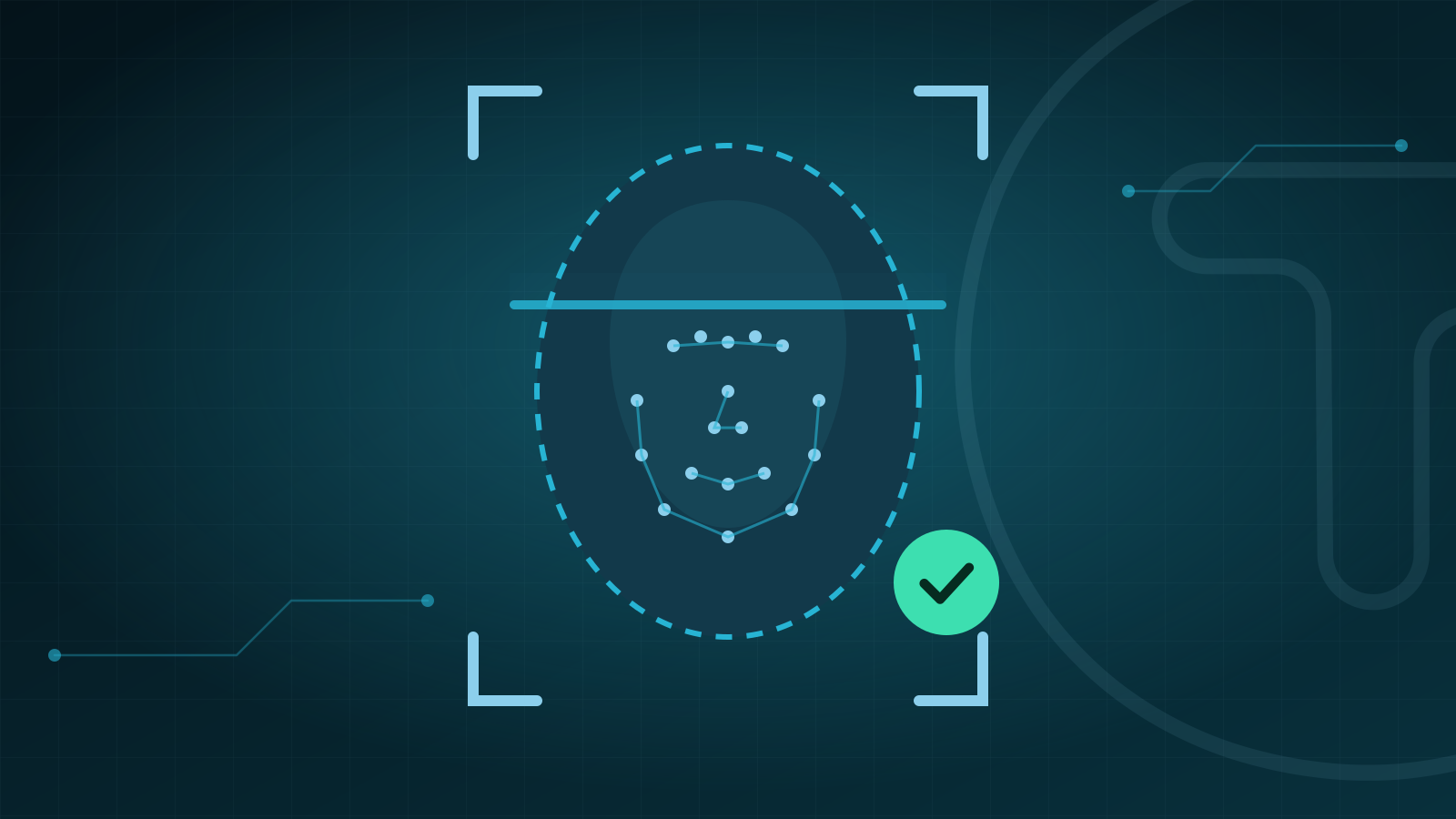
Buddy punching, when a coworker clocks in on someone else's behalf (known in Brazil as "ponto amigo"), is one of the hardest frauds to catch in operations with many sites and little on-site supervision. Facial recognition with liveness detection closes that door, but it brings a new responsibility: the face used to identify someone is biometric data and, under Brazilian law, sensitive personal data. This article covers Brazilian legislation, mainly the LGPD (Lei Geral de Proteção de Dados, Brazil's data protection law) and Portaria MTP nº 671/2021, and explains how the technology works, which attacks it must stop and how to implement it on solid legal ground.
Why badges, PINs and passwords don't solve it
Badges, PINs and passwords identify an object or a secret, not a person: all it takes is lending them. Portaria MTP nº 671/2021, the Brazilian ordinance on electronic time tracking, requires the REP-P (registrador eletrônico de ponto via programa, the software-based time recorder) to receive the worker's identification unequivocally (Annex IX, item 8.1), but it does not prescribe a method. Facial biometrics is one way to tie each clock-in to the person who is actually in front of the camera. The ordinance's other requirements are covered in our complete guide to Portaria 671.
How facial recognition works
Broadly speaking, and following the description in the study on biometrics and facial recognition published by the ANPD, Brazil's data protection authority (Radar Tecnológico nº 2, 2024), the process has three steps:
- Detection: the camera finds a face in the image.
- Extraction: the software measures reference points on the face and creates a biometric template, a mathematical representation of the face.
- Comparison: the template is checked against the enrolled one and produces a similarity score; above a defined threshold, the match is accepted.
The comparison can be done in two ways:
- Verification (1:1): the face is compared with the template of the person who identified themselves, to confirm it is the same person.
- Identification (1:N): the face is searched across a database with many enrolled people, to find out who it is.
For time tracking, 1:1 verification is usually enough and involves comparing the face with a single enrolled record. Whatever the model, the ANPD notes that accuracy varies with the technology and the diversity of the population, and can drop with poor image quality, face position, lighting and occlusion. The result is false positives (accepting the wrong person) and false negatives (rejecting the right person). Setting the threshold is always a balance between security and convenience.
The attacks: photo, video and mask
Trying to fool the camera is what the ISO/IEC 30107 series of standards calls a presentation attack: presenting an artifact or human characteristics to the capture system with the intent to interfere with its operation. The best-known forms are:
- A photo of the employee, printed or shown on another device's screen. As the digital identity guidelines from NIST, the U.S. standards institute, point out, taking a picture is enough to obtain an image of someone's face: biometrics are not secrets.
- A video replayed in front of the camera.
- Masks, including silicone ones.
There is also the injection attack, in which the fraudster shows nothing to the camera: they try to insert an image or video directly into the app's data stream. This kind of attack is beyond the reach of presentation attack detection and requires its own controls, such as app and device integrity checks.
Liveness detection: the layer that stops fraud
Liveness detection, also called presentation attack detection (PAD), checks whether a real, live person is in front of the camera. There are two main approaches:
- Passive: it analyzes the captured image or video itself, without asking the user to do anything.
- Active (challenge-response): it asks for a real-time interaction, such as a head movement, and checks the response.
What the technical references say
In NIST's digital identity guidelines (SP 800-63B-4), liveness detection is mandatory when facial recognition is used for authentication; for fingerprint and iris, it is recommended. An independent NIST evaluation published in 2023 (NIST IR 8491) tested 82 passive algorithms from 45 developers and found that:
- accuracy varies widely across algorithms and attack types;
- detection of printed photos, replays and flexible silicone masks was well supported by multiple developers, while other attack types produced high error rates in every implementation tested;
- many algorithms make fewer errors when analyzing a video sequence than a single still image.
The practical lesson: there is no foolproof liveness detection, only well-evaluated liveness detection. Ask your vendor how the solution was tested and whether it followed recognized methodologies, such as ISO/IEC 30107-3 (testing and reporting of presentation attack detection) and ISO/IEC 30107-4 (testing profile for mobile devices).
| Attack | How it happens | Countermeasure |
|---|---|---|
| Printed or on-screen photo | The employee's image is shown to the camera | Passive liveness and/or challenge-response |
| Video (replay) | A recording is played on another screen | Liveness detection, ideally analyzing video sequences |
| Mask | A replica of the face, including silicone | Liveness detection tested against this attack type |
| Injection | An image is inserted straight into the app's data stream | App and device integrity, plus server-side checks |
| Coworker clocking in for someone else | Using another person's phone or badge | 1:1 face verification at every clock-in |
In TIRVU+, clock-ins use facial recognition with liveness detection, both in the app and on the tablet installed at the site.
LGPD: biometrics are sensitive personal data
The LGPD classifies as sensitive personal data any "dado genético ou biométrico, quando vinculado a uma pessoa natural", that is, genetic or biometric data linked to a natural person (art. 5, II). As a result, processing may only take place under the legal bases of art. 11:
- With consent (art. 11, I), given in a specific and highlighted way, for specific purposes.
- Without consent (art. 11, II), when processing is indispensable for one of the situations listed in the law, such as compliance with a legal or regulatory obligation (item "a") or guaranteeing fraud prevention and the data subject's security in identification and authentication processes for registration in electronic systems (item "g"), safeguarding the rights in art. 9 and except where the data subject's fundamental rights and freedoms prevail.
For facial clock-ins, item "g" speaks directly to the goal, which is identifying the employee and preventing clock-in fraud. Even so, it requires showing that the processing is indispensable and that the data subject's rights do not prevail in the specific case. Document this assessment with your data protection officer (encarregado) and legal team.
What about consent?
If you choose consent, remember that it must be freely given (art. 5, XII) and can be revoked at any time (art. 8, § 5). In practice, this means offering an alternative way to clock in to anyone who does not consent or later changes their mind.
The topic is also on the regulatory radar: the ANPD included biometric data as item 5 of its 2025-2026 Regulatory Agenda and opened a call for public input on the subject in 2025. Keep an eye out for upcoming guidance.
Best practices for biometrics in time tracking
- Transparency (art. 9): before facial enrollment, explain the purpose, the data collected, how and for how long it is processed, any sharing and the data subject's rights.
- Purpose and necessity (art. 6, I and III): use biometrics only to identify the employee at clock-in, without reusing images for other purposes or classifying people by age, gender or emotion.
- Retention (arts. 15 and 16): delete the template when the purpose ends, for example upon termination, unless a legal retention basis applies. Clock-in records, on the other hand, may not be deleted or altered during the legal retention period (Portaria 671, Annex IX, item 7).
- Security by design (art. 46): encryption, access control and logs of who accesses biometric data. The ANPD notes that the more servers and databases store templates, the more potential targets there are for attacks; avoid unnecessary copies.
- Incidents (art. 48): under Resolução CD/ANPD nº 15/2024, a security incident that may cause relevant risk or harm to data subjects must be reported to the ANPD and to the data subjects within three business days.
- Data protection officer (art. 41): publish the identity and contact details of your encarregado.
- Impact assessment (art. 38): the ANPD may require a data protection impact report, including for sensitive data. Have yours ready.
- Human review (art. 20): data subjects may request a review of decisions made solely on the basis of automated processing that affect their interests. Provide an alternative when a face is not recognized.
- Testing with your own team: monitor rejection rates under different lighting conditions and employee profiles, mindful of the ANPD's warning about discriminatory effects.
Site tablet or employee smartphone?
| Criterion | Tablet (kiosk) at the site | Employee smartphone |
|---|---|---|
| Capture environment | More controlled: fixed position and predictable lighting | Variable: different cameras and lighting |
| Clock-in location | The device stays at the site | Depends on GPS and geofencing |
| Employees without a smartphone | Covers everyone | Requires a compatible device |
| Floating teams and patrols | Limited to the site | Goes wherever the employee goes |
| Privacy | Capture does not go through personal devices | Collection should be limited to the moment of clock-in |
| Risks | Queues at shift change, damage or theft of the device | Fake GPS and outdated devices |
Both models can coexist in the same operation: tablets at fixed sites with heavy foot traffic, and the app for supervisors, relief workers and mobile teams. TIRVU+ offers both formats, with an iOS and Android app and a tablet at the site for facial clock-in.
Frequently asked questions
Does a company need employee consent to use facial recognition for time tracking?
Not necessarily. Under the LGPD, biometric data may also be processed without consent to guarantee fraud prevention in identification and authentication processes (art. 11, II, item "g"), as long as the company shows that the processing is indispensable and that the data subject's rights do not prevail in the specific case. If consent is the chosen basis, it must be freely given and can be revoked at any time.
Can a photo fool facial recognition?
Photos, videos and masks are the best-known ways to try to fool the camera, and liveness detection exists precisely to stop them by checking that a real person is in front of it. In NIST's 2023 evaluation, multiple developers did well at detecting printed photos, replays and flexible silicone masks, but no liveness detection is foolproof: ask your vendor how the solution was tested.
What if the time-tracking system doesn't recognize an employee's face?
That is a false negative, when the system rejects the right person; accuracy can drop with poor image quality, face position, lighting and occlusion. Data subjects, in turn, may request a review of decisions made solely on the basis of automated processing that affect their interests (art. 20 of the LGPD). So it is good practice to provide an alternative way to clock in.
Conclusion
Facial recognition with liveness detection tackles buddy punching at the root, because it ties each clock-in to a real person in front of the camera. But the technology only delivers security, including legal security, when it comes with well-evaluated liveness detection, a documented legal basis, transparency with employees and an alternative path for when a face is not recognized.
Want to stop buddy punching without compromising on data protection? Talk to the Tirvu team and see TIRVU+ facial recognition with liveness detection in practice, or check our pricing.
Sources
- Planalto: Lei nº 13.709/2018 (LGPD, Brazil's data protection law)
- Radar Tecnológico nº 2 on biometrics and facial recognition (ANPD, gov.br)
- Nota Técnica nº 17/2025 on biometrics (ANPD, gov.br)
- Resolução CD/ANPD nº 15/2024 on security incident reporting (Ministry of Justice)
- NIST SP 800-63B-4, digital identity guidelines (NIST)
- NIST IR 8491, evaluation of passive liveness detection algorithms (NIST)
- ISO/IEC 30107-3:2023, presentation attack detection testing (ISO)
This content is for informational purposes only and does not replace specialized legal advice.
- #facial recognition
- #liveness detection
- #biometrics
- #LGPD
- #buddy punching
Want to see this in action in your operation?
Talk to a specialist and get a demo built around your company's scenario.